
July 12th 2024
Problem:
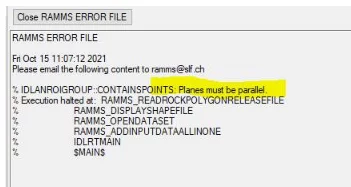
I get an error when I try to update RAMMS (Help -> Update… -> Web Update). What is going wrong?
Answer:
This is due to the transition of RAMMS from SLF to the new WSL-Spin-off company RAMMS AG. Some links do not work anymore.
Avalanche/Debrisflow:
Please update your version by doing the following:
- Download the update from here, and unzip the file to a local directory (e.g. C:\Temp\). Beware, there is another zip-file within the downloaded zip-file, do NOT unzip this file, otherwise the update will not work.
- Then start RAMMS and choose Help -> Update… -> Install Update from local folder.
- Select your local directory from before, where you unzipped the update.
- RAMMS should now tell you, that an update is available. Do NOT let RAMMS show you the changelog document, as this link also does not work. Click No.
- In the next window, RAMMS shows you your current version, and the update version. Click Yes to update your RAMMS version.
- You successfully installed the update. Restart RAMMS to use the new version.
From version 1.8.27 on, Web Update should work again as usual.
Rockfall:
If you still use version 1.7.65, then please download the new version from here (Downloads section at the bottom of the page). Version 1.7.65 will not be updated anymore.
If you already use the new version 1.8.10 or higher, then you can download the update manually from here, and unzip it into your installation directory (replace all files).
From version 1.8.26 on, Web Update should work again as usual.